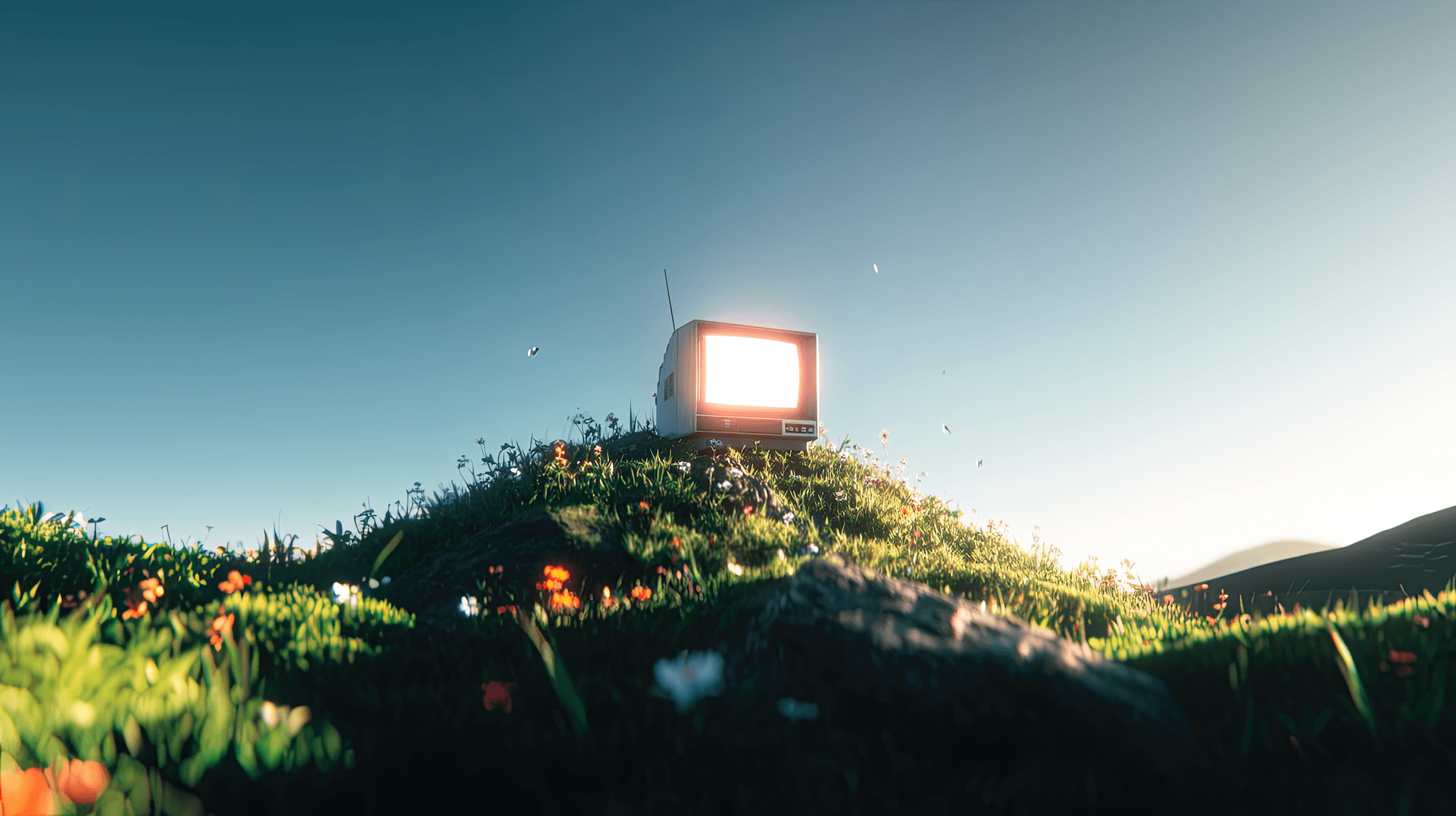
The first App UI kit made for Framer Ai Agent.

Premium app UI kit for your agent for App marketing sites, 80+ components, design system and more.

Includes 7-day free trial

No card required

Pricing

One price. Get access to Norton AI Pro features.

Access Norton features now and upgrade to Norton Pro tier whenever you need it.

Capture

Record once, and Nortan AI does the rest.

4K screen capture

System + mic audio

Webcam overlay

One-click start

Capture

Record once, and Nortan AI does the rest.

4K screen capture

System + mic audio

Webcam overlay

One-click start

Auto-Edit

Turn raw takes into clean cuts, automatically.

Remove ums and silences

Auto-zoom on clicks

Smooth cursor motion

Background blur

Auto-Edit

Turn raw takes into clean cuts, automatically.

Remove ums and silences

Auto-zoom on clicks

Smooth cursor motion

Background blur

Instant Share

Share a link the second you stop recording.

Short share links

Password protection

View analytics

Custom branding

Instant Share

Share a link the second you stop recording.

Short share links

Password protection

View analytics

Custom branding

Transcripts

Searchable transcripts in 50+ languages.

Live captions

50+ languages

Chapter markers

Export SRT & VTT

Transcripts

Searchable transcripts in 50+ languages.

Live captions

50+ languages

Chapter markers

Export SRT & VTT

Loved by many

See what people say about Norton AI.

Discover reviews from real human using Norton AI to record and share their screens.

Pricing

One price. Get access to Norton AI Pro features.

Access Norton features now and upgrade to Norton Pro tier whenever you need it.

Free

For trying Nortan AI before you commit.

forever

Billed yearly

Unlimited recordings (up to 5 min each)

Screen, camera & mic capture

Instant share links

Standard transcripts

720p recording quality

1 GB of cloud storage

Community support

Pro

Best Value

For creators and small teams shipping video weekly.

/mo

Billed yearly

Unlimited recording length

AI Auto-Edit — cuts silences & filler

Smart Zoom & cursor focus

AI chapters & summaries

Remove Nortan branding

View analytics

Priority email support

Custom Data Retention

Set how long recordings and transcripts are kept, per workspace.

Dedicated Storage

Private, scalable storage so large teams never hit a cap.

SSO & SAML

Sign in through your identity provider with SAML or SSO.

Private Cloud Hosting

Host recordings in an isolated environment that meets your security policy.

99.99% Uptime SLA

A guaranteed uptime commitment backed by an SLA.

Dedicated Support

A named success manager and priority response times.

Free

For trying Nortan AI before you commit.

forever

Billed yearly

Up to 5,000 API requests

Screen, camera & mic capture

Instant share links

Standard transcripts

Public API doc hosting

1 GB of cloud storage

Community support

Pro

Best Value

For creators and small teams shipping video weekly.

/mo

Billed yearly

Up to 1M API requests

AI Auto-Edit — cuts silences & filler

Smart Zoom & cursor focus

AI chapters & summaries

Remove Nortan branding

View analytics

Priority email support

Custom Data Retention

Set how long recordings and transcripts are kept, per workspace.

Dedicated Storage

Private, scalable storage so large teams never hit a cap.

SSO & SAML

Sign in through your identity provider with SAML or SSO.

Private Cloud Hosting

Host recordings in an isolated environment that meets your security policy.

99.99% Uptime SLA

A guaranteed uptime commitment backed by an SLA.

Dedicated Support

A named success manager and priority response times.

Recording length

Cloud storage

Video quality

Webcam & mic overlay

System + mic audio

Multi-monitor capture

Up to 5 min per clip

1 GB

1080p

Unlimited length

500 GB

4K

Silence & filler removal

Auto-zoom on clicks

Auto captions & transcripts

Background blur

Smooth cursor motion

English only

50+ languages

Instant share links

Custom branding on player

Password-protected links

View analytics

Downloadable MP4 exports

Team members

Shared workspace

Priority support

Early access to new features

1

Unlimited

Free

Pro

Monthly API Requests

API Gateway

Endpoint Management

API Versioning

System + mic audio

Multi-monitor capture

Up to 5 min per clip

1 GB

Basic endpoint

Silence & filler removal

Auto-zoom on clicks

Auto captions & transcripts

Background blur

Smooth cursor motion

English only

Instant share links

Custom branding on player

Password-protected links

View analytics

Downloadable MP4 exports

Team members

Shared workspace

Priority support

Early access to new features

1

Free

Pro

Monthly API Requests

API Gateway

Endpoint Management

API Versioning

System + mic audio

Multi-monitor capture

Up to 5 min per clip

1 GB

Basic endpoint

Silence & filler removal

Auto-zoom on clicks

Auto captions & transcripts

Background blur

Smooth cursor motion

English only

Instant share links

Custom branding on player

Password-protected links

View analytics

Downloadable MP4 exports

Team members

Shared workspace

Priority support

Early access to new features

1

FAQ

Frequently Asked Questions.

Learn more about Nortan AI and it's features.

Is this a finished website or a UI kit?

It's an App UI Kit for Framer, not a single finished website. It's a library of 75+ components, a full design system, and documented AI agent skills you (or an AI agent) use to assemble real app, AI, and SaaS marketing sites from scratch.

What's included in the kit?

A Design System and Components page with every token, text style, and component organized into folders; a Skills documentation page covering the agent skills that know how to build with this kit; CMS collections for blog, changelog, and testimonials; and a dark theme throughout.

How do I install it?

Open the kit in Framer from the marketplace and hit Remix. A copy lands in your workspace that you can rename, build pages from, and publish as your own project. No downloads or installs required.

Do I need a paid Framer plan to use it?

You can build with the kit on any Framer plan. To publish to a custom domain, use CMS collections, or access forms and analytics on the site you build, you'll need a paid Framer site plan.

How does an AI agent actually build a site from this kit?

Ask Framer's AI agent to build a page and it reads the Skills documentation and Design System pages first, then assembles your app, AI, or SaaS site from the kit's existing components and tokens, so every result matches this design language automatically.

How do I change the colors to match my brand?

Open the Design panel and replace the color style tokens, Primary, Surface, and the Surfaces ramp. Every component that references those tokens updates everywhere at once, so you only edit the palette, not each node.

Can I switch the kit to light mode?

Yes. It ships dark by default. Flip it by editing the color tokens' light values, or running the theme-switch skill so every Surface and text token updates at once.

Which fonts does the kit use?

Geist for most text, with Britti Sans Trial as a secondary display face. Swap in any font from the Text Styles panel, the heading and body presets update everywhere they're used.

How do I replace the logo?

The logo is a single component used across the nav, footer, and favicon. Open the Logo component, swap the vector with your SVG, and every instance updates, or run the replace-logo skill to do it in one pass.

Is the kit fully responsive?

Yes. Every component and page is built at Desktop, Tablet, and Phone breakpoints, so whatever you assemble with the kit adapts automatically.

Can I use this kit for client projects?

Yes. The license covers unlimited personal and client projects. You can't resell or redistribute the raw kit itself, but anything you build with it is yours.

How do I get support or updates?

New components, skills, and fixes ship to the same download link, updates are optional and your existing project keeps working as-is. For help, open a ticket from the Lunixify Studio support page or DM us on X with a link to your project.

Is this a finished website or a UI kit?

It's an App UI Kit for Framer, not a single finished website. It's a library of 75+ components, a full design system, and documented AI agent skills you (or an AI agent) use to assemble real app, AI, and SaaS marketing sites from scratch.

What's included in the kit?

A Design System and Components page with every token, text style, and component organized into folders; a Skills documentation page covering the agent skills that know how to build with this kit; CMS collections for blog, changelog, and testimonials; and a dark theme throughout.

How do I install it?

Open the kit in Framer from the marketplace and hit Remix. A copy lands in your workspace that you can rename, build pages from, and publish as your own project. No downloads or installs required.

Do I need a paid Framer plan to use it?

You can build with the kit on any Framer plan. To publish to a custom domain, use CMS collections, or access forms and analytics on the site you build, you'll need a paid Framer site plan.

How does an AI agent actually build a site from this kit?

Ask Framer's AI agent to build a page and it reads the Skills documentation and Design System pages first, then assembles your app, AI, or SaaS site from the kit's existing components and tokens, so every result matches this design language automatically.

How do I change the colors to match my brand?

Open the Design panel and replace the color style tokens, Primary, Surface, and the Surfaces ramp. Every component that references those tokens updates everywhere at once, so you only edit the palette, not each node.

Can I switch the kit to light mode?

Yes. It ships dark by default. Flip it by editing the color tokens' light values, or running the theme-switch skill so every Surface and text token updates at once.

Which fonts does the kit use?

Geist for most text, with Britti Sans Trial as a secondary display face. Swap in any font from the Text Styles panel, the heading and body presets update everywhere they're used.

How do I replace the logo?

The logo is a single component used across the nav, footer, and favicon. Open the Logo component, swap the vector with your SVG, and every instance updates, or run the replace-logo skill to do it in one pass.

Is the kit fully responsive?

Yes. Every component and page is built at Desktop, Tablet, and Phone breakpoints, so whatever you assemble with the kit adapts automatically.

Can I use this kit for client projects?

Yes. The license covers unlimited personal and client projects. You can't resell or redistribute the raw kit itself, but anything you build with it is yours.

How do I get support or updates?

New components, skills, and fixes ship to the same download link, updates are optional and your existing project keeps working as-is. For help, open a ticket from the Lunixify Studio support page or DM us on X with a link to your project.

Is this a finished website or a UI kit?

It's an App UI Kit for Framer, not a single finished website. It's a library of 75+ components, a full design system, and documented AI agent skills you (or an AI agent) use to assemble real app, AI, and SaaS marketing sites from scratch.

What's included in the kit?

A Design System and Components page with every token, text style, and component organized into folders; a Skills documentation page covering the agent skills that know how to build with this kit; CMS collections for blog, changelog, and testimonials; and a dark theme throughout.

How do I install it?

Open the kit in Framer from the marketplace and hit Remix. A copy lands in your workspace that you can rename, build pages from, and publish as your own project. No downloads or installs required.

Do I need a paid Framer plan to use it?

You can build with the kit on any Framer plan. To publish to a custom domain, use CMS collections, or access forms and analytics on the site you build, you'll need a paid Framer site plan.

How does an AI agent actually build a site from this kit?

Ask Framer's AI agent to build a page and it reads the Skills documentation and Design System pages first, then assembles your app, AI, or SaaS site from the kit's existing components and tokens, so every result matches this design language automatically.

How do I change the colors to match my brand?

Open the Design panel and replace the color style tokens, Primary, Surface, and the Surfaces ramp. Every component that references those tokens updates everywhere at once, so you only edit the palette, not each node.

Can I switch the kit to light mode?

Yes. It ships dark by default. Flip it by editing the color tokens' light values, or running the theme-switch skill so every Surface and text token updates at once.

Which fonts does the kit use?

Geist for most text, with Britti Sans Trial as a secondary display face. Swap in any font from the Text Styles panel, the heading and body presets update everywhere they're used.

How do I replace the logo?

The logo is a single component used across the nav, footer, and favicon. Open the Logo component, swap the vector with your SVG, and every instance updates, or run the replace-logo skill to do it in one pass.

Is the kit fully responsive?

Yes. Every component and page is built at Desktop, Tablet, and Phone breakpoints, so whatever you assemble with the kit adapts automatically.

Can I use this kit for client projects?

Yes. The license covers unlimited personal and client projects. You can't resell or redistribute the raw kit itself, but anything you build with it is yours.

How do I get support or updates?

New components, skills, and fixes ship to the same download link, updates are optional and your existing project keeps working as-is. For help, open a ticket from the Lunixify Studio support page or DM us on X with a link to your project.

@ 2026 Lunixify Studio

@ 2026 Lunixify Studio

@ 2026 Lunixify Studio

Create a free website with Framer, the website builder loved by startups, designers and agencies.